 Download wallpapers
 Photo Editor
 Full-screen viewing
 Upload your photo
By moving the yellow frame, select the area of the image that you want to use as a desktop wallpaper. Then click Download Wallpapers to save them to your computer.
By moving the yellow frame, select the area of the image that you want to use as a wallpaper for your phone. Then click Download Wallpapers to save them to your phone.
You can set this picture to the photo status in Vkontakte. Or install it on the cover in Odnoklassniki
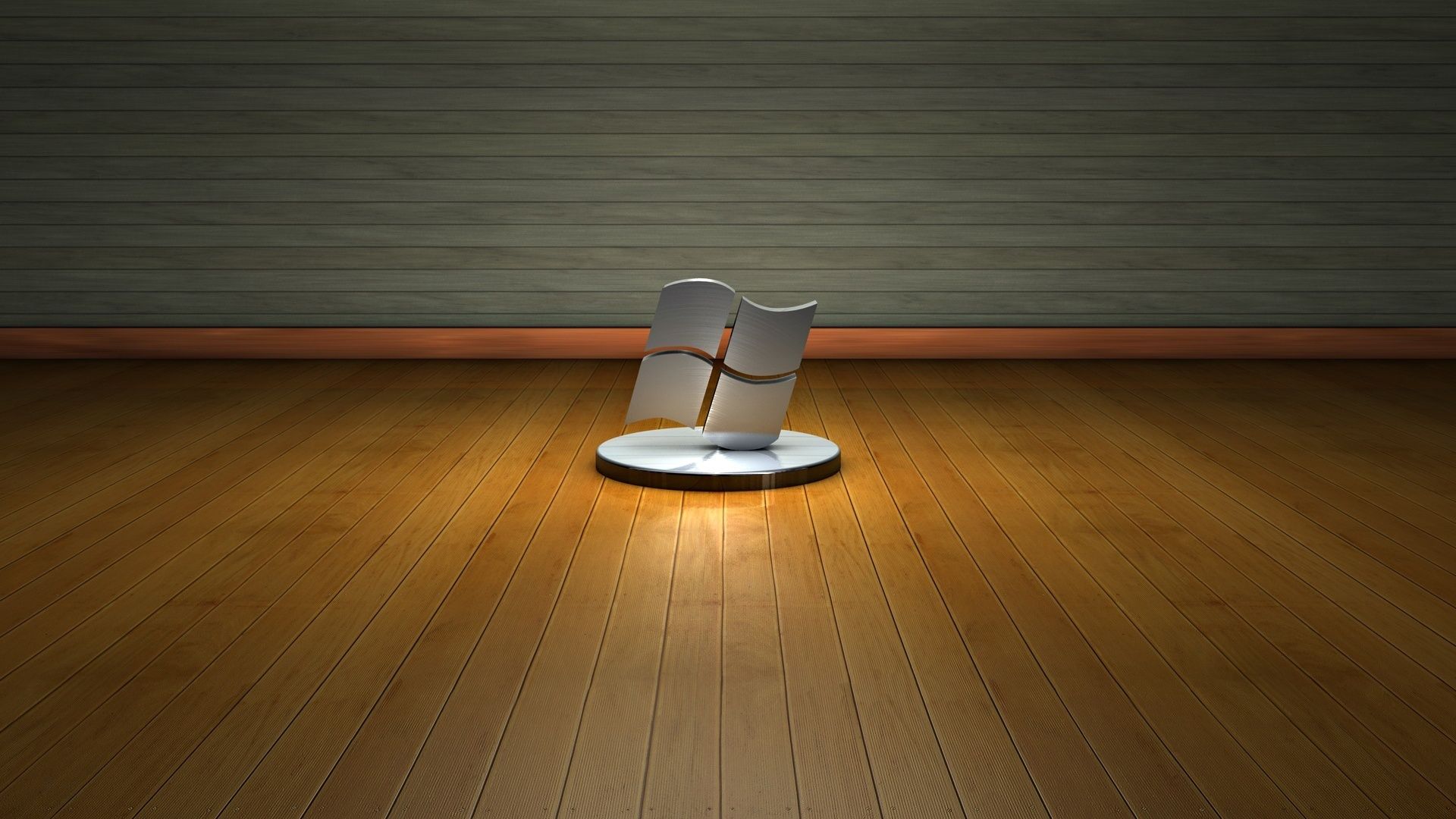
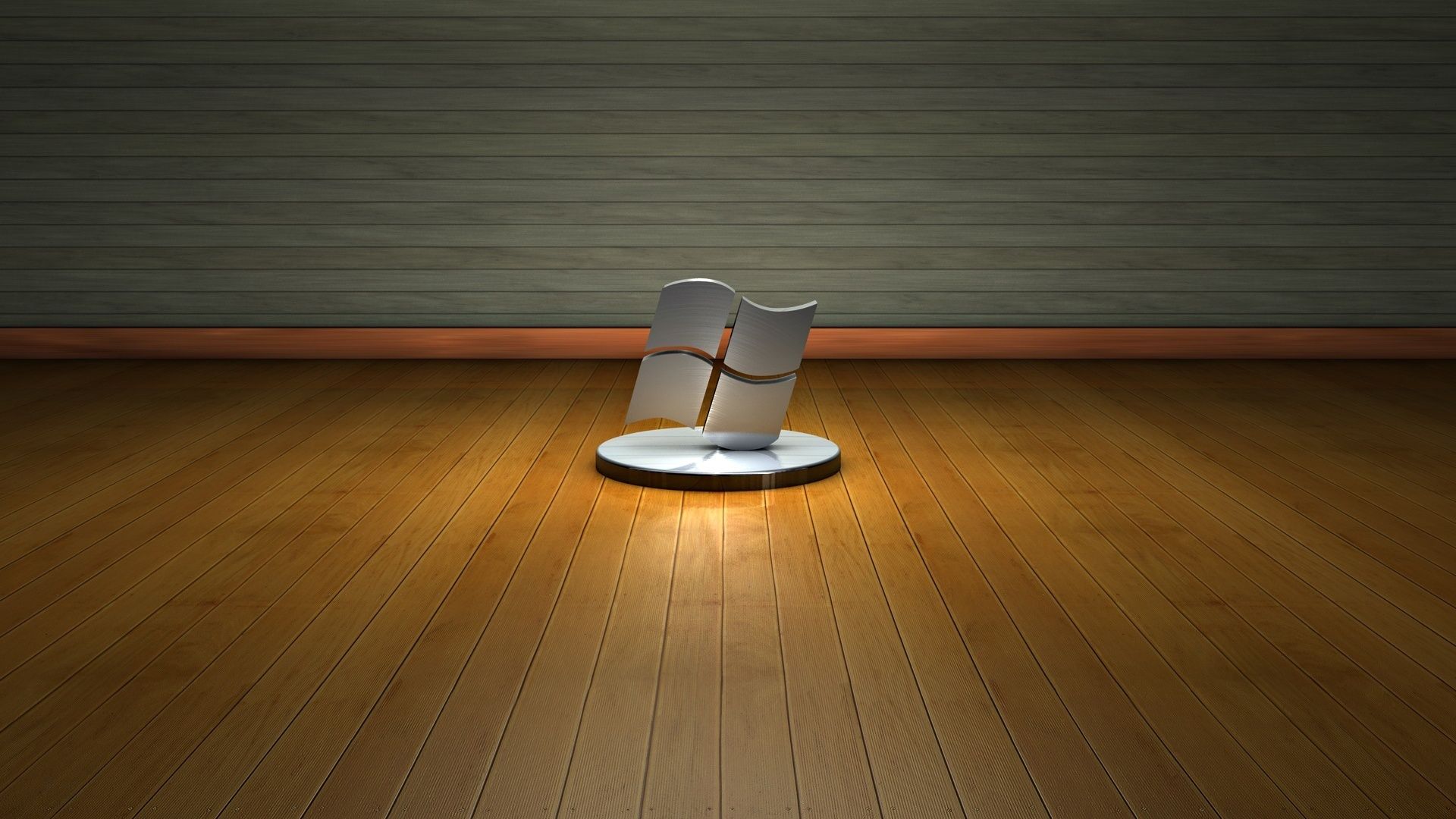
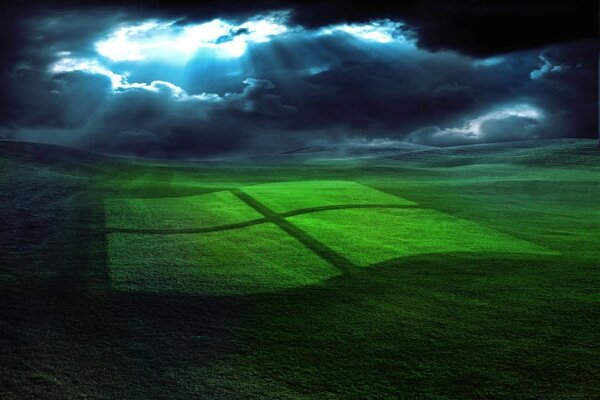
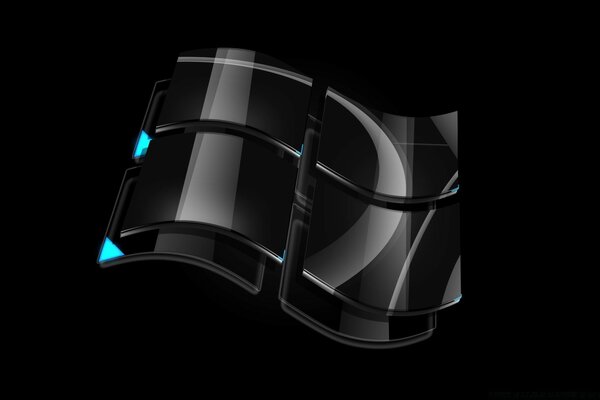
For twenty years, the Windows operating system logo schematically depicted a multicolored flag in various variations. Starting with Windows 1.0, which appeared in 1985, from version to version, the sign depicting the flag gradually changed, from a simple two-color image, ending with a complex detailed logo in Windows Vista and Windows 7 versions. Gradually acquiring more detailed effects, such as shadows, depth, and so on. More colors were used, better fonts and effects were outlined. The Windows logo has gone from archaic graphics with low resolution to beautiful HD shapes.



↓ All sections with wallpaper ↓
- Landscapes



- Girls



- Abstract and graphics



- Seasons



- Animals



- Fantasy



- Flowers



- Creative



- Cars



- World


- Macro



- Holidays



- Space



- City and architecture

- Computer games



- Movies



- Cartoons


- Minimalism



- Food & drink



- House and Comfort



- Brands and logos

- Humor and satire



- Texture



- Digital technology



- Love and romance



- Weapons and army



- Forces of nature



- Anime



- Birds


- Motorcycles



- Marine life



- Sports



- Insects



- Music



- Ships



- Aviation



- Men



- Children



- Personal photo



- Other